

Legacy codebases don’t age gracefully — they accumulate years of shortcuts, inconsistent patterns, and deprecated dependencies until even a simple feature change becomes a multi-day archaeology project.
What AI Code Refactoring Tools Actually Do
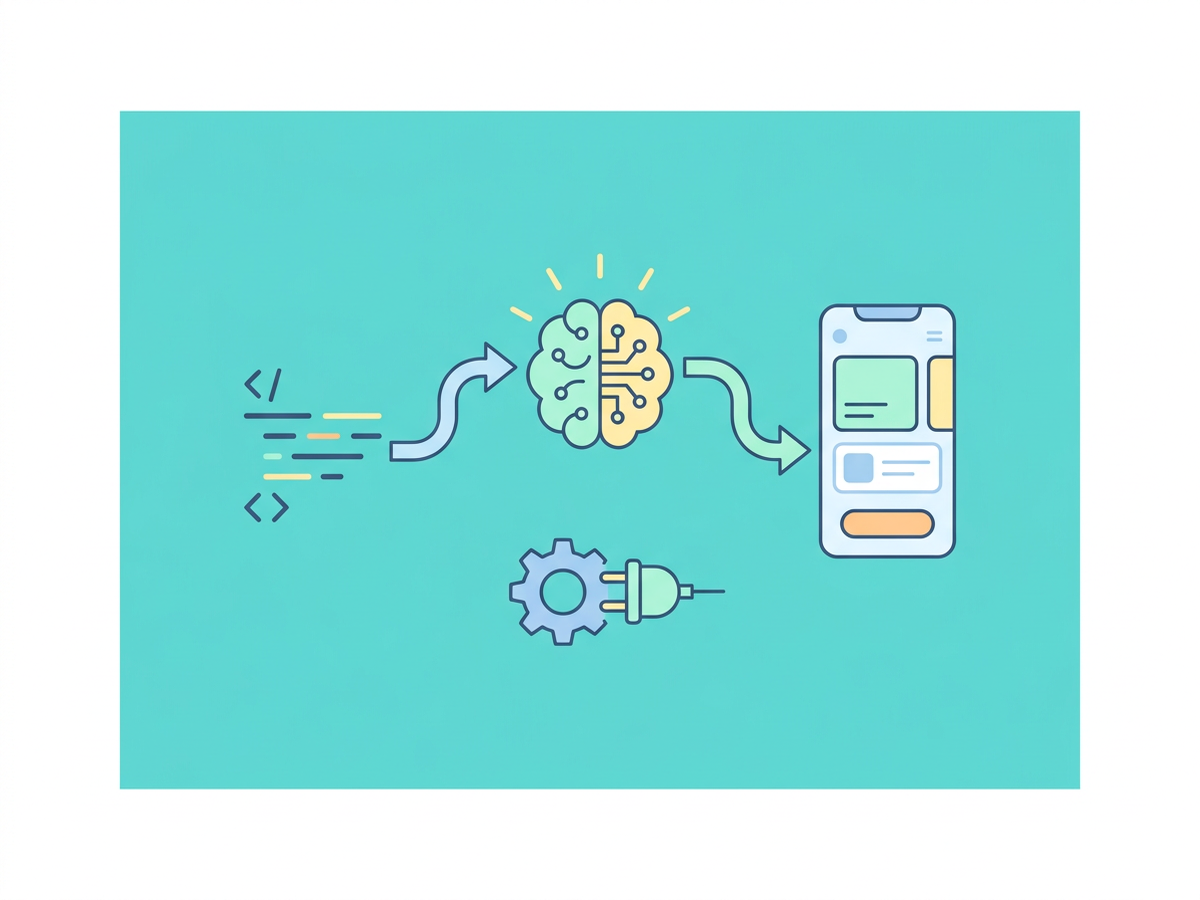
Most developers picture refactoring as manually renaming variables or extracting methods one at a time. AI code refactoring tools work at a completely different scale. They analyze entire codebases, identify structural problems, suggest improvements, and in many cases apply fixes automatically — without you writing a single refactoring script yourself.
The core capabilities break down into a few categories:
- Dead code elimination — finding functions, classes, and variables that are defined but never called
- Complexity reduction — flagging methods with high cyclomatic complexity and suggesting simpler alternatives
- Pattern standardization — enforcing consistent naming conventions, design patterns, and architectural boundaries
- Dependency modernization — detecting deprecated APIs and suggesting current replacements
- Security hardening — identifying vulnerable patterns like SQL injection vectors or unsafe deserialization
What separates AI-powered tools from traditional static analyzers is context awareness. A traditional linter flags a 200-line function. An AI tool understands what that function is trying to accomplish, identifies which parts belong together, and proposes a decomposition that actually makes sense. That distinction matters more than most people realize.
How the Analysis Works Under the Hood
Modern AI refactoring tools use a combination of abstract syntax tree (AST) parsing, transformer-based models fine-tuned on code, and retrieval-augmented generation to understand your codebase. Tools like GitHub Copilot and Cursor use large language models trained on billions of lines of code across dozens of languages and frameworks.
When you ask one of these tools to refactor a function, it’s not doing a simple text substitution. It’s reasoning about the function’s inputs, outputs, side effects, and relationship to the rest of the system before generating a replacement.
Using AI Code Refactoring Tools on Real Legacy PHP
Let’s get concrete. Suppose you have a classic Laravel 5.x controller method that does everything — validation, business logic, database queries, email dispatch — all in one place.
// Before: Legacy God Method
public function processOrder(Request $request)
{
    if (!$request->has('product_id') || !$request->has('qty')) {
        return redirect()->back()->with('error', 'Missing fields');
    }

    $product = DB::table('products')->where('id', $request->product_id)->first();

    if ($product->stock < $request->qty) {
        return redirect()->back()->with('error', 'Out of stock');
    }

    DB::table('orders')->insert([
        'user_id'    => auth()->id(),
        'product_id' => $request->product_id,
        'qty'        => $request->qty,
        'total'      => $product->price * $request->qty,
        'created_at' => now(),
    ]);

    DB::table('products')->where('id', $request->product_id)
        ->decrement('stock', $request->qty);

    Mail::to(auth()->user()->email)->send(new OrderConfirmation($product));

    return redirect()->route('orders.index');
}
Feed this into Cursor or use GitHub Copilot Chat with a prompt like: “Refactor this controller method following Laravel best practices — extract validation to a Form Request, move business logic to a Service class, wrap database operations in a transaction.”
The output you’ll get looks something like:
// After: Refactored with Service Layer
public function processOrder(ProcessOrderRequest $request, OrderService $orderService)
{
    $order = $orderService->create(
        userId: auth()->id(),
        productId: $request->validated('product_id'),
        quantity: $request->validated('qty'),
    );

    return redirect()->route('orders.index');
}
With ProcessOrderRequest handling validation rules and OrderService encapsulating the transaction logic, inventory update, and email dispatch. The AI doesn’t just move code around — it restructures the responsibility model entirely.
Prompting Strategy That Actually Works
Vague prompts produce vague refactors. I can’t stress this enough. Be specific about what pattern you want to apply, not just that you want things “cleaned up”:
- ❌ “Refactor this to be better”
- ✅ “Extract this into a Service class, inject it via the constructor, and wrap the DB operations in
DB::transaction()“ - ✅ “Rewrite this using the Repository pattern with a typed DTO for the return value”
- ✅ “Modernize this from Laravel 5 to Laravel 11 conventions — use named arguments, enums instead of constants, and match expressions where appropriate”
The more architectural context you provide, the more useful the output. This isn’t a magic box — it’s a very fast collaborator that needs direction.
Best AI Code Refactoring Tools Worth Using in 2024
Not every tool is equal, and the right choice depends on your workflow.
Cursor
Cursor is currently the most powerful option for aggressive codebase-level refactoring. Its Composer feature lets you describe a change in plain English and apply it across multiple files simultaneously. For legacy PHP projects, this is a genuine advantage — you can say “update all controllers to inject dependencies via the constructor instead of calling facades directly” and watch it touch every relevant file.
The codebase indexing means it understands relationships between files, not just the single file you’re editing. That’s what makes it different from everything else right now.
GitHub Copilot with Copilot Chat
GitHub Copilot integrates directly into VS Code and JetBrains IDEs. The Copilot Chat sidebar is where refactoring happens — you select a block of code, open the chat, and describe what you want. It’s less powerful than Cursor for multi-file changes but excellent for targeted, method-level refactoring.
Use the /fix slash command for quick wins on obvious issues. Use the chat for more nuanced restructuring work.
Sourcery
Sourcery deserves special mention for Python-heavy teams, but their approach — automated PR suggestions for refactoring — is worth studying regardless of your stack. They apply predefined refactoring patterns automatically, which complements the more open-ended LLM-based tools nicely. Think of it as a rule-based safety net alongside your AI tooling.
JetBrains AI Assistant
If you’re on PhpStorm or IntelliJ, JetBrains AI Assistant is tightly integrated with the IDE’s existing refactoring engine. It combines AI suggestions with the proven AST-based refactoring tools JetBrains has built over years. This hybrid approach is more reliable for safe, mechanical refactors than pure LLM generation. If you’re already paying for a JetBrains subscription, don’t sleep on this one.
How to Systematically Refactor a Legacy Codebase
Using AI code refactoring tools effectively at scale requires a strategy, not just ad-hoc prompting. Here’s what actually works.
1. Audit First, Refactor Second
Before touching code, run a static analysis pass with PHPStan or Psalm at a low level (Level 1-3) to get a prioritized list of issues. Export the errors and use them as your refactoring backlog. Feed specific error groups to your AI tool rather than throwing the whole codebase at it. Scope matters.
2. Establish a Refactoring Boundary
Refactor in vertical slices — pick one domain area (orders, payments, user auth) and refactor it end-to-end before moving on. AI tools work best with clear context boundaries. Dumping unrelated code into the same conversation degrades output quality, and I’ve seen teams waste hours wondering why the suggestions got weird halfway through a session.
3. Test Before You Automate
If you don’t have tests, write characterization tests before running AI refactors. These are tests that capture current behavior — they don’t assert what the code should do, just what it does do. Use Pest or PHPUnit to lock down behavior, then let the AI restructure the implementation. Skipping this step isn’t brave, it’s just reckless.
4. Review Every AI Change
This sounds obvious but gets skipped under deadline pressure. AI tools make subtle mistakes — wrong return types, missed null checks, assumptions about method visibility. Treat AI refactoring output as a senior developer’s first draft, not production-ready code. Would you merge a PR without reading it? Don’t do it here either.
Conclusion
AI code refactoring tools have moved past the hype stage — they’re practical, production-applicable, and dramatically faster than manual cleanup. For Laravel and full-stack PHP developers sitting on years of accumulated technical debt, the barrier to actually addressing that debt is lower than it’s ever been.
The developers getting the most value aren’t using these tools as magic wands. They’re combining AI-generated refactoring suggestions with strong architectural intent, test coverage, and careful review. Start with one domain, use specific prompts, and let the AI handle the mechanical transformation while you stay focused on whether the structure is actually right.
Pick up Cursor or Copilot Chat this week, find the ugliest function in your codebase, and run one concrete refactoring pass on it. That’s the fastest way to calibrate what these tools can actually do for your specific codebase.

Leave a Reply